
Compression with FabFilter Pro-C 2: Styles, Sidechain, Lookahead and Parallel
FabFilter Pro-C 2 is a compressor that covers transparent mastering, aggressive drum pumping, and everything between. Learn what each of its eight styles is built for, how to use the sidechain and its three-band EQ, when lookahead helps, and how the built-in parallel control changes your workflow.
A compressor controls dynamic range by turning down the loud parts so the overall level can come up, but the feel of that control varies hugely from one design to the next. FabFilter Pro-C 2 tackles this by packing eight distinct compression styles into one plugin, each with its own attack and release curves and knee behavior, plus a clear gain-reduction display, a flexible sidechain with its own three-band EQ, smooth lookahead, and a built-in parallel mix control.
The result is a compressor that can be invisible on a master, punchy on a drum bus, smooth on a lead vocal, or wildly pumping on an EDM build — all without leaving the same window. Knowing which style to grab for which job is most of the skill, so let us start there.
The Eight Styles and What They Are For
Pro-C 2 keeps the three original Pro-C styles (Clean, Classic and Opto) and adds five more (Vocal, Mastering, Bus, Punch and Pumping). Each one is a different program-dependent algorithm, not just a preset, so the same threshold and ratio will feel different depending on the style you pick.
- Clean: an all-round, low-distortion feedforward design that controls level while staying out of the way. A safe default for anything that needs transparent control.
- Classic: a feedback-style algorithm modeled on the program-dependent behavior of vintage compressors, smooth and musical, great on bass and full mixes.
- Opto: emulates the slow, frequency-dependent response of an optical compressor. Gentle and forgiving, excellent on vocals and bass where you want smoothing rather than grab.
- Vocal: tuned to push a lead vocal forward and keep it sitting consistently in the mix with very little fiddling.
- Mastering: the most transparent style, built to apply small amounts of control on a full mix while still catching fast transients.
- Bus: adds the glue that holds a drum bus or full mix together, the kind of cohesion a console buss compressor gives you.
- Punch: traditional analog-like behavior that emphasizes transients, good on almost any source that needs energy and impact.
- Pumping: a deliberately over-the-top algorithm for deep, audible pumping on drums and EDM, the sound of the compressor breathing with the track.
Sidechain and the Three-Band Sidechain EQ
The sidechain is the signal the compressor listens to when it decides how much to reduce. By default that is the input itself, but Pro-C 2 lets you feed it an external signal, which is the basis of the classic ducking trick: route a kick drum to the sidechain of a compressor on the bass or a pad, and the bass dips every time the kick hits, carving out space and creating that rhythmic pump you hear all over electronic and pop music.
What makes the Pro-C 2 sidechain especially flexible is its dedicated EQ section, with a high-pass, a low-pass, and a third midrange band. Filtering the sidechain changes what the compressor reacts to without changing what you hear. The most common move is a high-pass on the sidechain so low-frequency energy does not trigger too much gain reduction. On a full mix or master this stops the kick and bass from pumping the whole track, and lets the compressor respond to the broadband level instead. The midrange band lets you make the compressor more or less sensitive to vocals and snares, fine-tuning exactly which part of the spectrum drives the dynamics.
You can listen to the sidechain signal directly, so you hear exactly what the compressor is keying off, which takes the guesswork out of setting up the filters.
Lookahead, Attack, Release and Knee
Lookahead delays the audio slightly so the compressor can see a transient coming and start acting before it lands, up to 20 milliseconds in Pro-C 2. This lets you catch sharp peaks cleanly without an extremely fast attack that would dull the transient. It is most valuable on mastering and on percussive material with fast peaks, where you want peak control without losing the snap of the hit.
Attack sets how fast the compressor reaches full gain reduction after the signal crosses the threshold. A fast attack tames transients and can make a sound feel controlled, or dull if it is too fast. A slow attack lets the initial transient through before clamping down, which preserves punch — a key trick on drums. Release sets how fast the compressor lets go; too fast and you hear distortion or pumping, too slow and it never recovers between notes. Pro-C 2 has an Auto Release option that adapts the release time to the program, a reliable starting point on complex material like a full mix.
The Knee control sets how gradually compression kicks in around the threshold. A soft knee eases in for a gentle, transparent sound that suits vocals and mastering, while a hard knee clamps abruptly for an aggressive, obvious effect that works on drums and effects.
Lookahead adds latency equal to its time setting. Keep it off while tracking to maintain low latency; switch it on during mixing and mastering.Parallel Compression Without the Routing
Parallel compression blends a heavily compressed copy of a signal with the dry, untouched original. The compressed copy adds density and lifts the quiet detail, while the dry signal keeps the natural transients and dynamics. The classic use is the "New York" drum trick, where smashed parallel drums add weight and aggression under the clean kit.
Pro-C 2 builds the blend right into the plugin with a mix control, so you can compress hard with a high ratio and a low threshold, then dial the mix back until the dry punch returns underneath the added body. The two signals stay perfectly phase-aligned — a manual parallel bus setup can introduce small timing differences that this internal control sidesteps entirely.
- Pick the Punch or Pumping style.
- Set a high
ratioand pull thethresholddown for several decibels of gain reduction. - Raise
output gainto compensate for the level drop. - Blend the
mixcontrol to taste — often 30 to 60 percent — until the dry transient attack returns under the compressed body.
Reading the Display and Avoiding Over-Compression
Pro-C 2 shows gain reduction over time, which helps you confirm the compressor is doing what you intend rather than working non-stop. A few decibels of reduction on the loudest moments is plenty for transparent control; if the meter is pinned and never returns to zero, you are probably flattening the life out of the source.
output gain to match the compressed level to the bypassed level before judging tone. A louder signal almost always sounds better and will mislead your ear into over-compressing.Frequently asked questions
Which Pro-C 2 style should I start with on vocals?
Start with <strong>Opto</strong> or <strong>Vocal</strong>. Opto emulates a slow optical compressor that smooths a vocal gently and forgivingly, while the Vocal style is tuned to push a lead forward and keep it consistent with very little adjustment. Use a soft <code>knee</code>, a moderate <code>ratio</code> around 3 to 4 to 1, and aim for a few decibels of reduction on the loudest phrases. If you need tighter control, the <strong>Clean</strong> style with a faster <code>attack</code> gives transparent grip.
Why would I high-pass the sidechain?
A <code>high-pass</code> on the sidechain stops low-frequency energy from triggering the compressor. Bass and kick carry a lot of energy, and without filtering they make the compressor pump the whole mix on every beat. Filter them out of the detection signal and the compressor responds to the broadband level instead, giving smoother, more even control. Pro-C 2 even lets you listen to the sidechain directly to set the filter precisely.
When should I turn on lookahead?
Turn on <code>lookahead</code> when you need to catch fast transient peaks cleanly without an extremely fast <code>attack</code> that dulls the sound — most common in mastering and on sharp percussive material. The cost is added latency, so leave it off while recording and switch it on during mixing and mastering.
How does the parallel mix control differ from setting up a parallel bus?
The built-in <code>mix</code> control in Pro-C 2 blends the compressed and dry signals inside the plugin, perfectly phase-aligned, so you can compress hard and dial the dry punch back in without routing a duplicate bus or aux send. A manual parallel setup can introduce small timing or phase differences between the two paths; the internal control sidesteps that entirely.
Recommended Related Products
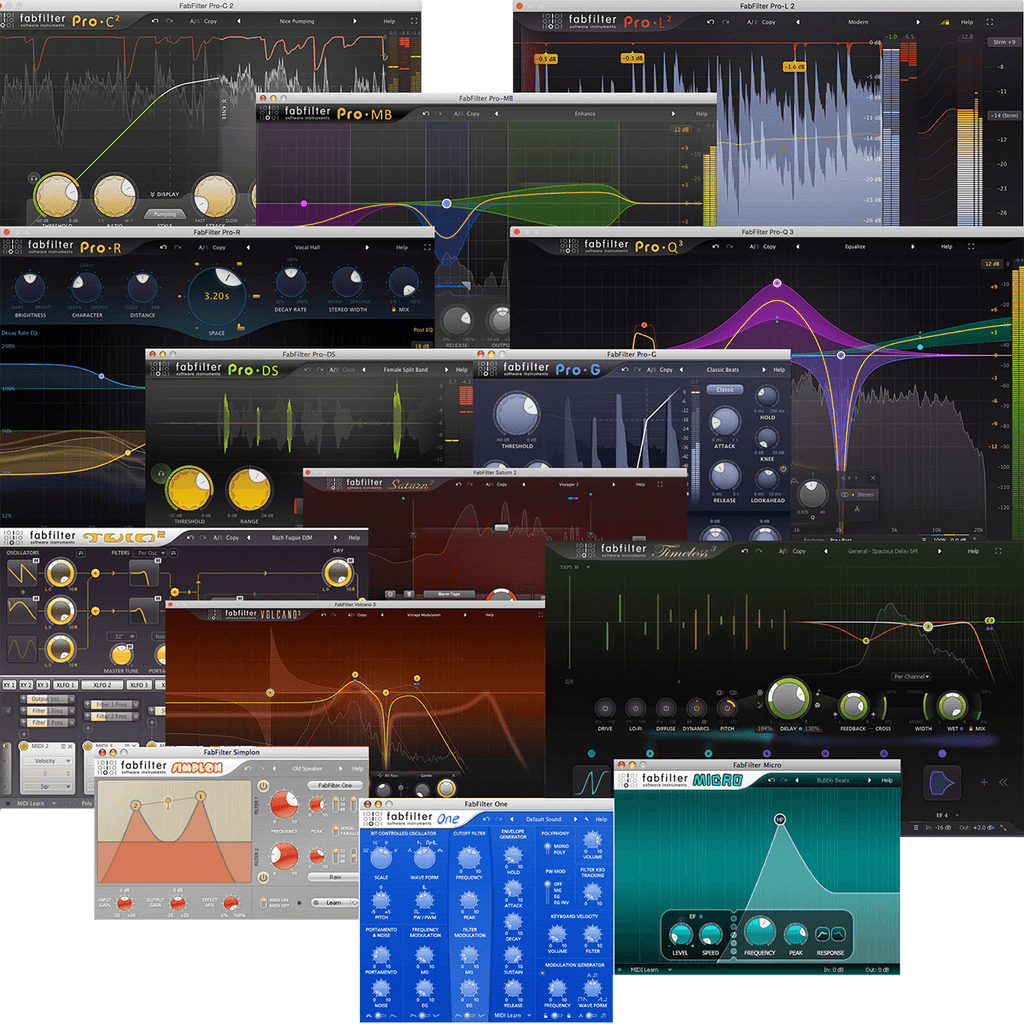
FabFilter Total Bundle 2024
Mastering-grade audio effect plugins including Pro-Q 3 and Pro-C 2.